New Poster: rich posts with tables, media sliders, and colorful buttons — free for all bot owners
🎉 We have completely revamped post creation for Telegram channels and groups!
Now the post is assembled in a single window: the form is on the left, and the Telegram-style preview is on the right. It updates after every action and always stays on screen. The "Save Draft" and "Schedule" buttons are fixed at the bottom, and the counter immediately shows whether the text fits within Telegram’s limit.
What’s new in a regular post:
• Colored buttons — blue, green, and red buttons under the post: one or two per row. Their order can be changed by dragging.
• Captions above or below photos and videos, spoilers for media and text, quotes and links — the preview shows the post exactly as subscribers will see it.
• Channels with subscriber counters — you can instantly see where the post will be published and which channels the bot can post to.
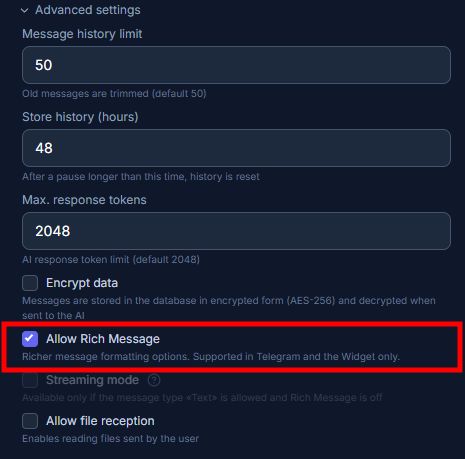
• Rich mode — the post turns into a mini landing page:
In Rich message mode, everything is placed right in the text of a single message: headers, tables, sliders and collages of photos and videos, audio and documents, maps, expandable blocks and quotes, checklists, and a row of buttons within the text. One message can include up to 32,768 characters and 50 media files, while tables and galleries can be configured directly in the visual editor. ✨
How this helps advertising posts:
• Price in a table — prices and discounts in a neat table are read faster than a long list in the text.
• Before-and-after slider — multiple photos or videos can be placed in one post without stretching the feed.
• Promo code under a spoiler — the subscriber opens it themselves, which helps engage the audience more than a regular code in the text.
• Promotion terms in an expandable block — the post remains short, but the details are available with a tap.
• Map and booking button — the client sees where to go and can book immediately. 📍
The AI assistant helps work with the text: corrects errors, adds a catchy first line, shortens the text to the required limit, breaks it into paragraphs, and adds a call to action. Changes are displayed in a "Before / After" format and only applied after your confirmation. 🤖
Poster is available free for all bot owners. AI assistant is available on plans starting from PRO.
Create a post — https://botconsole.net/app/poster?new=1
All posts — https://botconsole.net/app/poster
Plans — https://botconsole.net/app/tariff