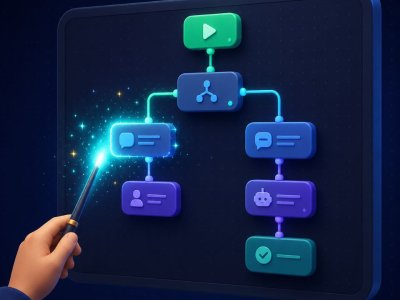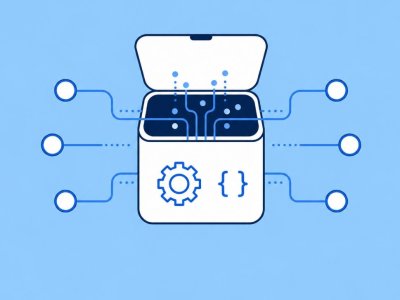
Webhooks and custom API nodes let a no-code bot talk to any backend without rewriting the whole product in code. In Botconsole, the visual canvas covers most scenarios; when you need a proprietary ERP, a custom scoring API, or an inbound event from another system, you drop to JSON configs, webhooks, and templated {{variables}}.
This guide is for technical influencers and advanced builders evaluating whether “no-code” will box them in.
The 90/10 rule
- 90% of conversation logic: messages, conditions, AI, Sheets, Calendar, payments — pure canvas.
- 10%: a single authenticated API call or webhook trigger that unlocks the business case.
Botconsole is designed so that 10% does not force a platform migration.
Inbound webhooks (other systems → bot)
Use inbound webhooks when:
- Your CRM marks a deal “won” and the bot should unlock content
- A payment provider or internal service emits an event
- A form tool outside Botconsole should continue a conversation
Typical mapping (illustrative):
{
  "trigger": "webhook",
  "method": "POST",
  "headers": {
    "Authorization": "Bearer {{secret}}"
  },
  "map": {
    "user_id": "{{payload.from.id}}",
    "intent": "{{ai_result.intent}}"
  }
}
Store secrets carefully; prefer server-side secrets over putting tokens in user-visible messages.
Outbound custom API requests (bot → your API)
Use when:
- Product catalog lives in a private API
- You need fraud checks before payment
- You calculate dynamic pricing
Pattern on the canvas:
- Collect inputs (AI or forms) into variables.
- Custom API node: method, URL, headers, body with
{{variables}}. - Map JSON response fields into new variables.
- Branch on success/error.
- Reply to the user in plain language.
Variables are the contract
Treat variables as your typed interface between no-code and code:
| Variable | Example source |
|---|---|
{{order_id}} |
AI extract or button |
{{api.status}} |
API response map |
{{user.email}} |
Ask node |
Name them consistently so future you (or a teammate) can debug.
Security checklist
- HTTPS only
- Auth headers / signed webhooks
- Least-privilege API keys
- No secrets in Telegram messages
- Error branches that do not leak stack traces to users
- Rate limits and timeouts
When to write real code instead
- Sub-100ms trading systems
- Heavy multi-step agent frameworks with custom memory stores
- Regulated workloads requiring on-prem only
For most SMB automation, webhook + API nodes are enough.
FAQ
Do marketers need to see the JSON?
No. Hide power nodes behind clear labels (“Check inventory API”) and document variables in a short internal note.
Can AI and APIs combine?
Yes — AI extracts structure; API verifies and acts. That combo is stronger than either alone.
Is this available on free plans?
Core builder features are available free with plan limits. Confirm any advanced channel limits on pricing.
Related
- How to Create a Telegram Bot Without Coding
- AI Order-Status Bot with Google Sheets
- Best No-Code Telegram Bot Builders (2026)
Start building free → Prototype the canvas path first, then add one API node where it unlocks value.


Terms of material usage
Full or partial copying of materials is allowed only with an active and indexed link to the original source: https://botconsole.net/blog/en/13/webhooks-custom-api-nodes-no-code